

Tampil Percaya Diri dengan Email Profesional!
Miliki email domain sendiri untuk kebutuhan Profesional Anda. Tampil lebih terpercaya dan profesional, tidak ada yang mengintai, dan nikmati kebebasan tanpa adanya iklan

Buat Email Anda Sendiri Sekarang !
Email Hosting Jadi Mudah
Silakan cek kembali di lain waktu
Fitur Unggulan Profesional Email
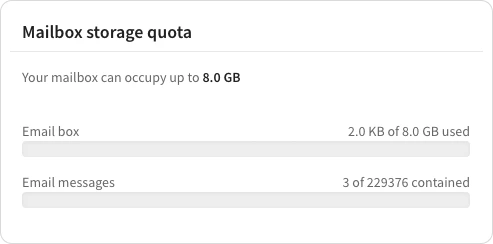
8 GB untuk Ruang Penyimpanan Anda
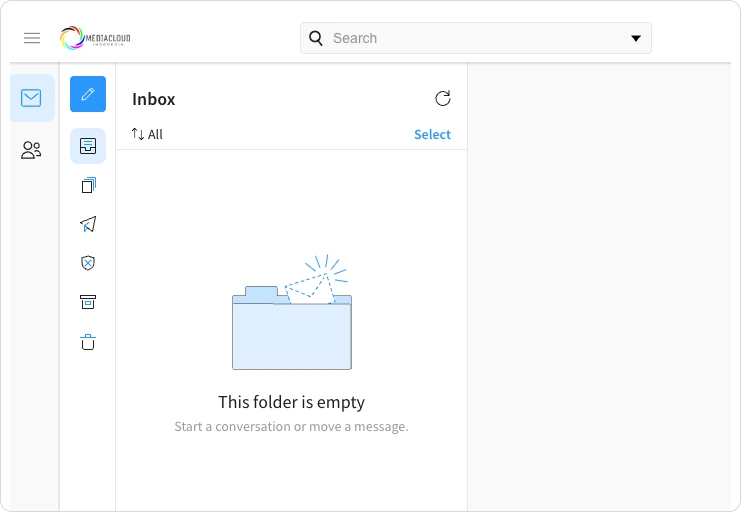
Akses Email Melalui Website yang User Friendly
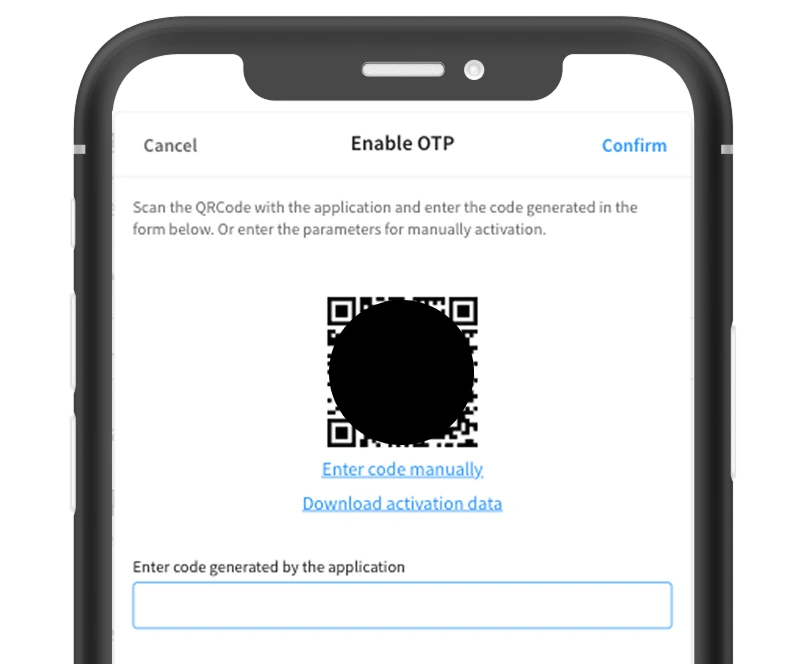
Proteksi Maksimum untuk Email Anda
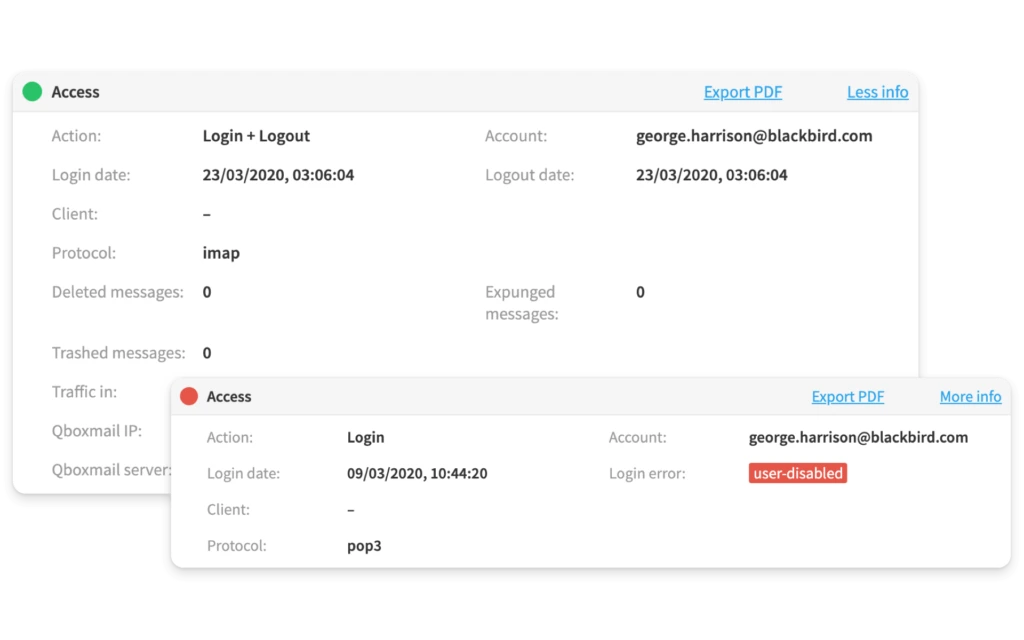
Kontrol dan Monitor Penggunaan Email Anda dengan fitur Tracemail
Semua yang Anda Butuhkan untuk Email Profesional
Keamanan Lanjutan
Enkripsi tingkat profesional, penyaringan spam, dan perlindungan malware menjaga komunikasi Anda tetap aman.
Uptime 99,9%
Infrastruktur dan pemantauan redundan memastikan email Anda selalu tersedia saat dibutuhkan.
Domain Kustom
Gunakan nama domain Anda sendiri untuk alamat email profesional yang membangun kepercayaan dengan pelanggan.
Kolaborasi Tim
Kalender, kontak, dan folder bersama memudahkan koordinasi tim secara efisien.
Super Cepat
Server yang dioptimalkan dan CDN global memastikan pengiriman email cepat dan akses webmail yang responsif.
Dukungan 24/7
Tim dukungan ahli tersedia setiap saat untuk membantu pengaturan, migrasi, dan pemecahan masalah.
Tutorial Konfigurasi Email
Alamat email dan kata sandi Anda akan dikirimkan ke email akun MediaCloud yang terdaftar
Setelah email Anda berhasil dibuat, kredensial login (alamat email dan kata sandi) akan dikirimkan ke alamat email yang terdaftar di akun MediaCloud Anda.
Untuk mengkonfigurasi akun email MediaCloud Anda, gunakan protokol IMAP untuk menerima pesan dan SMTP untuk mengirim.
Buka aplikasi email Anda (Gmail, Outlook, Thunderbird, Apple Mail, dll.) dan masuk ke pengaturan akun untuk menambahkan akun baru.
Saat diminta memilih jenis akun, pilih "Lainnya", "IMAP", atau "Tambah akun manual" — nama pilihannya bisa berbeda tergantung aplikasi.
Masukkan alamat email dan kata sandi yang dikirimkan ke email akun MediaCloud Anda
Saat diminta memilih protokol surat masuk, pilih "IMAP".