

Get Your Email with Our Domain
1. Choose Your Email Domain
Professional Email Features
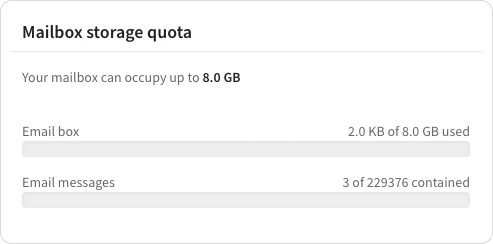
8GB Capacity for Your Email Storage
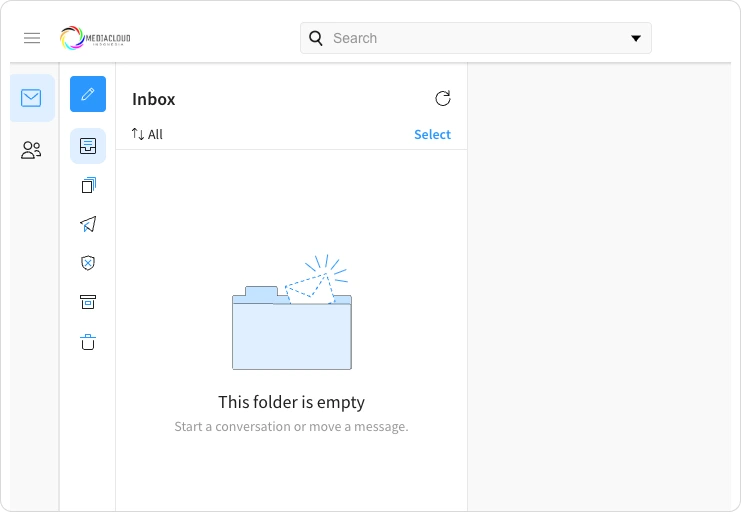
Easy Website Email Access
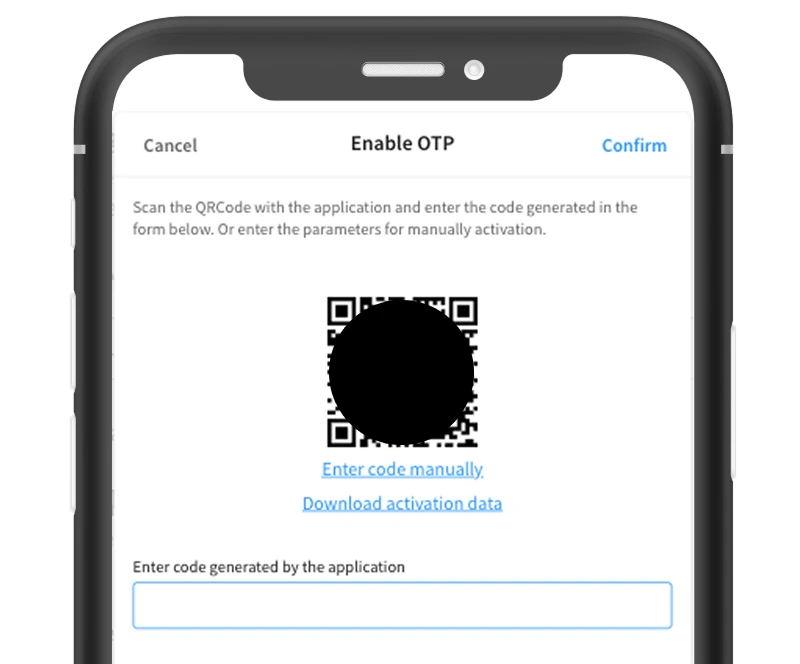
Maximum Protection for Your Emails
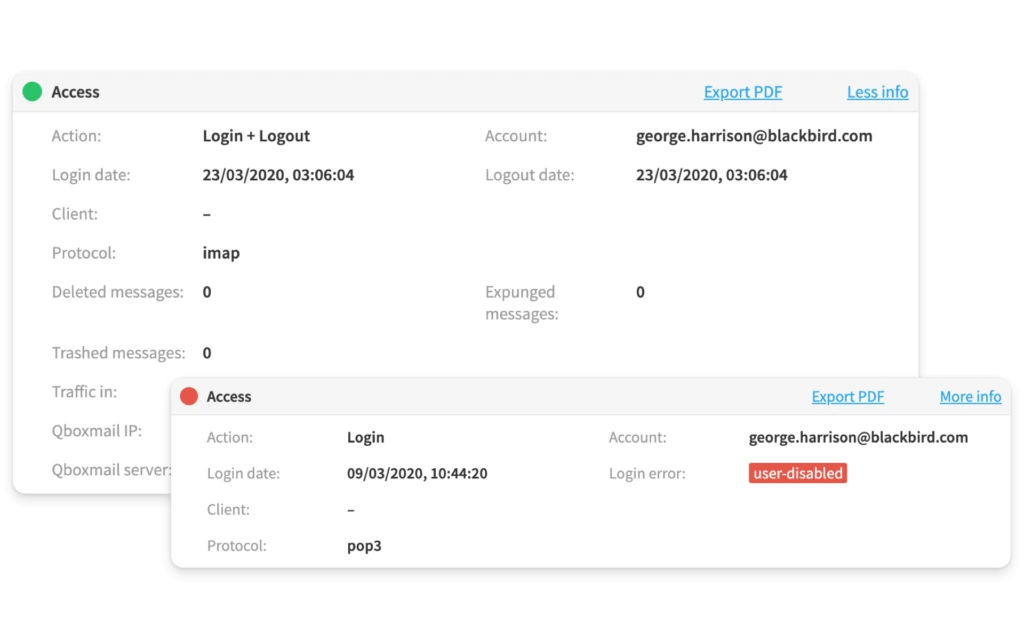
Control and Monitor Your Email Usage with Tracemail Feature
Why Do You Need Personal Email?
Build Your Identity
A custom domain makes you stand out and look more professional to clients and colleagues.
Total Privacy
Only you have access. Your data is fully encrypted, keeping your private messages private.
Zero Ad Distractions
Focus on what matters without pesky ads. Here, you're the owner, not the product.
Full Control
Manage all your custom addresses in one place. Simple, flexible, and exactly how you want it.
Email Configuration Tutorial
Your credentials will be sent to your registered MediaCloud account email
After your email is successfully created, your login credentials (email address and password) will be delivered to the email address registered on your MediaCloud account.
To configure your MediaCloud email account, use the IMAP protocol for receiving messages and SMTP for sending.
Open your email client (Gmail, Outlook, Thunderbird, Apple Mail, etc.) and navigate to account settings to add a new account.
When asked for account type, select "Other", "IMAP", or "Add account manually" — the label varies by app.
Enter your email address and password that has been sent to your MediaCloud email account
When prompted for the incoming mail protocol, choose "IMAP".